
HALDAN

03 / OUR WORK

The finished drawing matters. So does everything behind it.

See how incomplete information becomes organized, reviewable manufacturing documentation—from the first reference file through the final delivery package.

Explore the work
STARTING POINTReference files + review notesDELIVERYControlled CAD package

Source information reviewed

Design intent documented

Deliverables kept consistent

Revisions remain traceable

DEMONSTRATION CASE STUDIES

More than a gallery of finished parts.

These examples show the type of problem-solving, documentation, and deliverables Haldan can provide. They are demonstration projects—not representations of client work.

Illustrative imagery is used to protect client confidentiality and avoid inventing project claims.
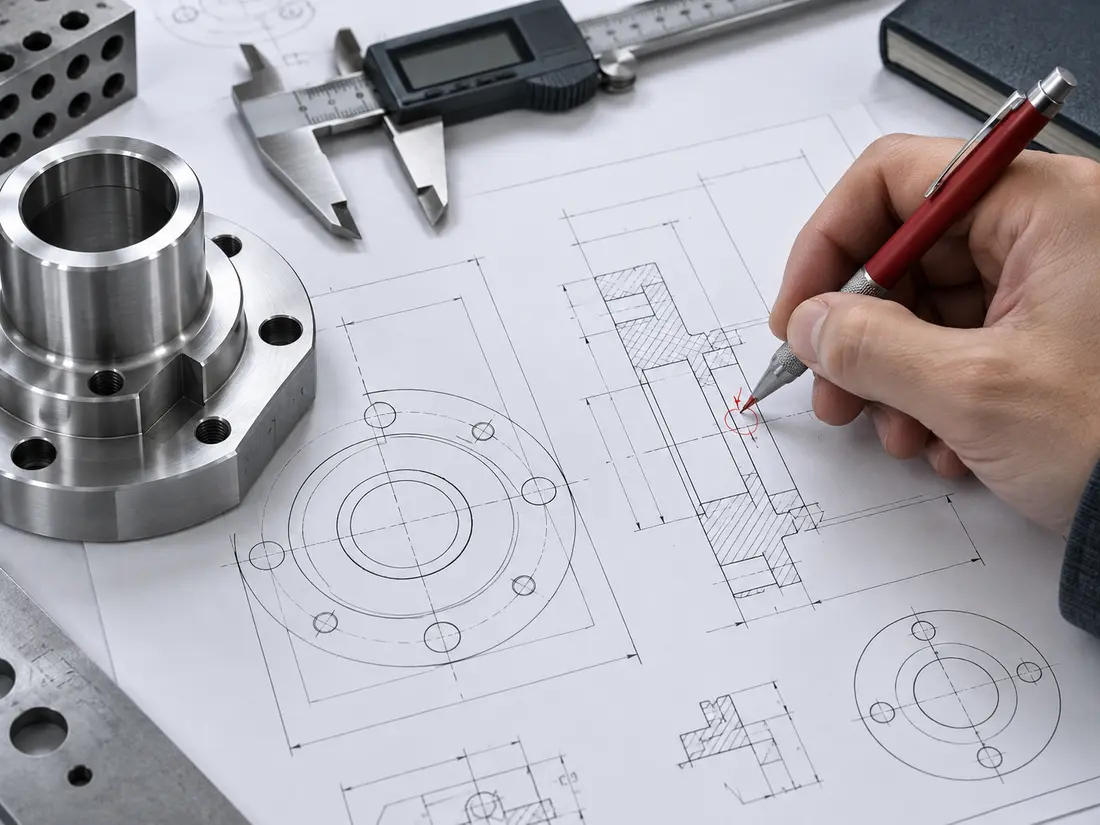
Illustrative technical drawing review with a machined flange and measuring toolsDEMONSTRATION / 01
01

LEGACY PART REBUILD

Turn an aging print into a usable CAD baseline.

A worn drawing may contain enough information to keep making a part, but not enough structure to support the next revision. The goal is to rebuild the design intent without quietly guessing through missing details.

Starting point
Paper print, scanned PDF, known dimensions, and any available sample-part measurements.

What the work involves

Reconcile dimensions across every available view

Model the confirmed geometry and isolate uncertainties

Flag conflicting or missing information for review

Build the drawing from the approved model

Typical delivery

Native 3D modelSTEP exportManufacturing PDFOpen-item record
WHY IT MATTERS

The part leaves the filing cabinet as an editable, reviewable package that can support purchasing, revision work, and future production.
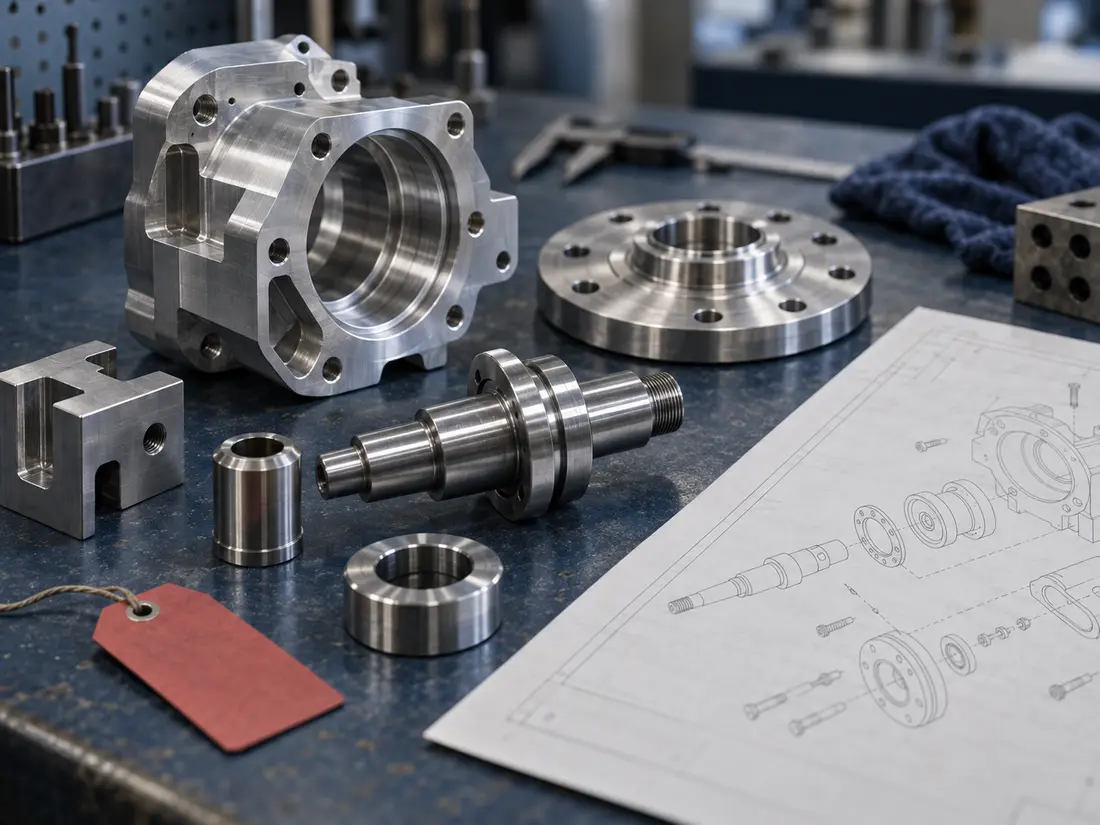
Illustrative machined components arranged beside an exploded assembly drawingDEMONSTRATION / 02
02

ASSEMBLY DOCUMENTATION

Make the whole assembly understandable—not just modeled.

A folder full of part files is not automatically a usable assembly package. Components, interfaces, fasteners, and purchasing information need to tell the same story.

Starting point
Existing part models, supplier components, reference prints, and assembly notes.

What the work involves

Organize parts into a controlled assembly structure

Review interfaces and identify obvious conflicts

Create views that explain build order and orientation

Connect item balloons, BOM data, and drawing details

Typical delivery

Assembly modelExploded viewBOMPart and assembly drawings
WHY IT MATTERS

Engineering, purchasing, and the people building the product work from one coherent package instead of several disconnected references.

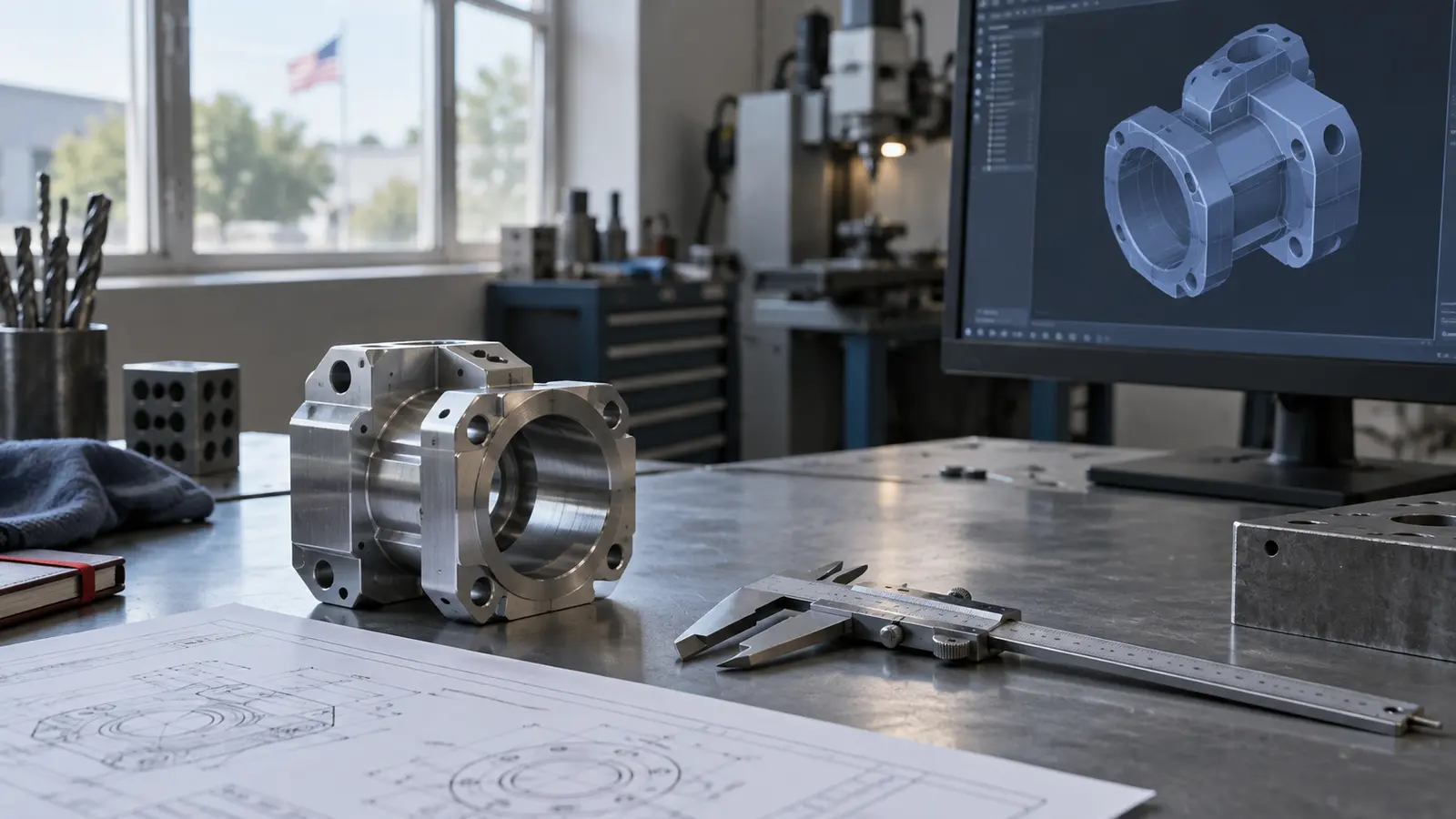
Illustrative CAD workstation beside a machined component and inspection toolsDEMONSTRATION / 03
03

CONTROLLED REVISION

Carry field changes back into the controlled package.

Marked-up PDFs and shop-floor notes are useful until they become the only record of what changed. Revision work should update the model, drawing, and history together.

Starting point
Current CAD, marked-up drawings, review comments, and the approved change direction.

What the work involves

Compare every markup against the current source files

Update model-driven geometry before drawing details

Check affected dimensions, notes, and references

Record what changed and prepare the new release set

Typical delivery

Updated native filesRevised PDFsNeutral exportsRevision summary
WHY IT MATTERS

The next person opens a current package with a visible change history—not a clean file beside a pile of handwritten exceptions.

YOUR PROJECT WILL NOT LOOK EXACTLY LIKE THESE

That is the point. Start with what you have.

Upload the model, old print, redline, sketch, or reference package. We will identify the useful starting point and what is still missing.

Start a project